Wave Executor – A Powerful Windows Script Tool

Wave Executor is a newly introduced Windows-based tool, officially launched through a collaboration between the SPDM Team and CodeX. It’s designed to offer a smoother and more advanced scripting experience for users who want better performance and control.
What is Wave Executor?
Wave Executor is a modern Windows-based script tool created by skilled developers from the SPDM Team and CodeX. It is designed to make scripting smoother, quicker, and more user-friendly, whether you’re just starting out or already experienced.
This tool combines powerful features with a simple interface, allowing users to run and manage scripts with ease. It focuses on performance, safety, and convenience, making it a popular choice among users looking for a reliable executor.
Key Features of Wave Executor
Wave Executor is designed to give users a smooth and powerful scripting experience. Below is a detailed explanation of its main features so you can clearly understand how each one helps:
Advanced Scripting Support
Wave Executor is built to handle scripts in a faster and more stable way. This means:
- Scripts execute quickly without delays
- Fewer crashes or errors while running scripts
- Better overall performance, even with heavy scripts
In simple terms, it allows everything to run smoothly, so you don’t have to deal with lag or interruptions while using it.
HWID Spoofing
HWID (Hardware ID) spoofing is included to improve user safety. It works by masking your device identity.
- Helps protect your system from being tracked
- Adds an extra layer of privacy
- Reduces the risk of your device being flagged
This feature is especially useful for users who want to stay more secure while using the tool.
Built-in Script Hub
Wave Executor comes with an integrated script library, so you don’t need to search for scripts on different websites.
- Access a collection of scripts in one place
- Saves time and effort
- Easy to browse and use
This makes it very convenient, especially for beginners who may not know where to find reliable scripts.
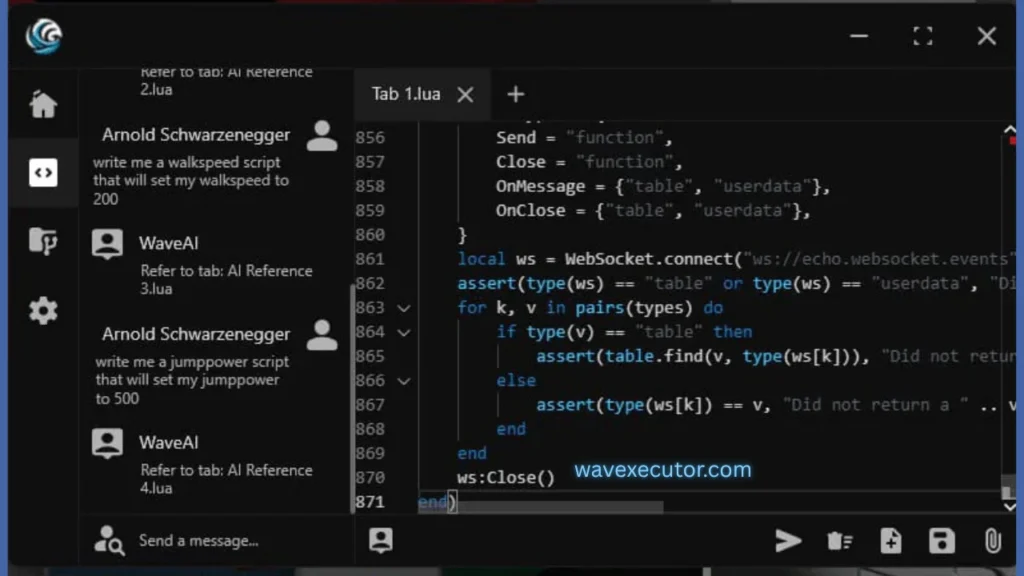
AI-Powered Assistance
One of the standout features is the built-in AI system that helps users interact with scripts more easily.
- Quickly search for scripts using simple input
- Get suggestions based on what you need
- Makes script execution easier, even for beginners
Instead of manually searching and figuring things out, the AI helps speed up the process and makes everything more user-friendly.
Byfron Bypass with Stealth Mode
Wave Executor includes a stealth system designed to reduce detection risks.
- Helps the tool run more discreetly
- Aims to lower the chances of being detected
- Focuses on safer usage experience
While no tool can guarantee complete safety, this feature is designed to provide an added layer of protection during use.e tool.
Wave Executor Free vs Premium
Wave Executor is available in both free and paid versions, so users can choose based on their needs and usage level.
Free Version
The free version is a good starting point, especially for beginners:
- Includes basic scripting features
- Access to essential tools
- Simple and easy to use
- Suitable for learning and casual use
Premium Version
The premium version is built for users who want a faster, smoother, and more complete experience.
Here’s what you get with Wave Executor Premium:
- Ad-free interface
No interruptions while working - Direct download access
Faster and easier setup - Full UNC support
Better compatibility with advanced scripts - Multi-inject and multi-instance support
Run multiple scripts or sessions at the same time - No key system required
Instant access without extra steps - Affordable pricing
Offers strong features at a reasonable cost
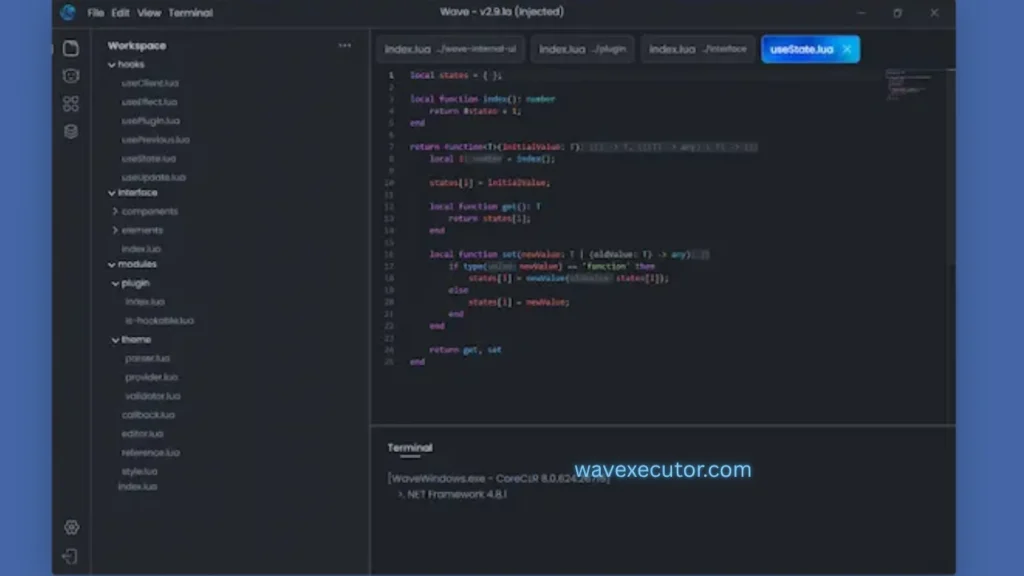
Wave Executor Premium Features
The premium version includes several advanced tools that improve both performance and usability.
1. Advanced Development Tools
- Decompiler
Helps you break down and understand scripts easily - Save Instance feature
Allows you to save and manage your work for better control
2. Faster Script Search and Execution
- Built-in AI helps you quickly find the scripts you need
- Makes execution faster and more efficient
- Saves time, especially for frequent users
3. Better User Experience
- Completely ad-free environment
- Clean and simple interface
- No distractions while working
4. Multi-Function Support
- Multi-inject support
Run multiple scripts at once - Multi-instance support
Open and manage multiple sessions - Full UNC compatibility
Ensures smooth performance with complex scripts
5. Easy Access and Setup
- No key system required
- Quick installation and setup process
- Ready to use without extra steps
6. Affordable Pricing
- Priced competitively compared to other Windows executors
- Offers strong value for the features provided
- Suitable for users looking for a budget-friendly upgrade
How to Download and Install Wave Executor (Step-by-Step Guide)
If you’re planning to use Wave Executor, it’s important to install it the right way to avoid errors or security issues. Below is a simple, easy-to-follow guide that walks you through the complete process.
Step 1: Visit the Official Website
Start by going to the official Wave Executor website:
wavexecutor.com
Make sure you are on the correct site before downloading anything. Many fake websites offer modified files that can harm your computer, so always double-check the URL.
Step 2: Download Wave Executor
Once you’re on the website:
- Scroll down until you see the “Download” button
- Click on it to go to the download page
- Look for the “Download Now” option
- Click it to start downloading the file
If your browser asks for permission, allow it so the download can begin.
Step 3: Extract the Files
After the download is complete:
- Go to your Downloads folder
- Find the downloaded file (usually in ZIP format)
- Right-click on it
- Select “Extract Here” or “Extract Files”
This will create a new folder with all the required files inside.
Step 4: Open Roblox and Log In
Next, open your browser and go to the Roblox website:
- Visit roblox.com
- Log in using your username and password
- If you don’t have an account, create one first
Step 5: Launch Your Game
- After logging in, choose the game you want to play
- Click on it and let it fully load
Make sure the game is running properly before moving to the next step.
Step 6: Run Wave Executor
Now go back to the folder you extracted:
- Open the folder
- Find the file named Wave.exe
- Double-click it to launch the executor
The tool should now open on your screen.
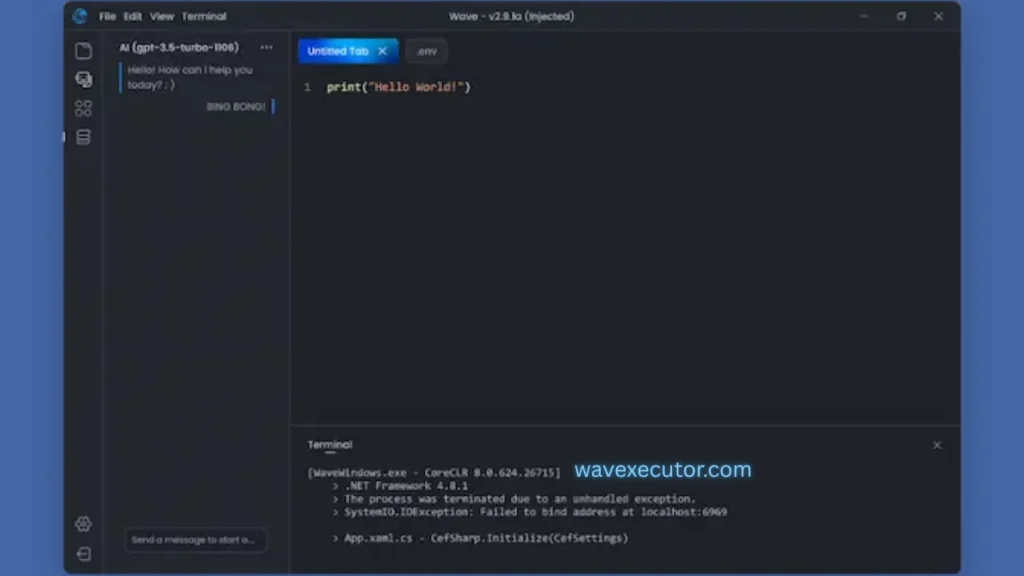
Step 7: Load a Script
Inside Wave Executor:
- Go to the Script Hub section
- Paste the script you want to use
You can find scripts on trusted forums or websites related to Roblox scripting.
Step 8: Inject the Script
After adding your script:
- Look for the “Inject” button (usually at the bottom-right)
- Click on it to attach the script to the game
This step connects the script with your running game.
Step 9: Confirm Execution
Once you click inject:
- A confirmation message should appear
- This means the script has been successfully applied
If you see this message, everything is working correctly.
Important Tips for Safe Use
- Always download from the official website only
- Avoid unknown or third-party sources
- Keep your system protected with antivirus software
- Use scripts from trusted platforms
Frequently Asked Questions (FAQs)
Wave Executor is generally safe to use when it is installed and handled correctly. It has been developed by the well-known teams behind SPDM and codeX, which adds to its reliability. However, safety mainly depends on how you use it. If you follow the proper installation steps and download it from trusted sources, you can avoid most risks and enjoy a smooth Roblox experience without issues.
Wave Executor comes with both free and paid options. The free version offers many useful features that are enough for most users to get started. However, if you want access to more advanced tools and a completely ad-free experience, you can choose the premium version. This makes it flexible for users with different needs and budgets.
At the moment, Wave Executor is only available for desktop devices such as Windows PCs and MacBooks. It does not support Android or iOS devices yet. If you are looking to use it on mobile, you may have to wait, as a mobile version is expected to be released in the future.
Wave Executor supports a wide range of scripts that are compatible with Windows systems. As long as the script is designed to run on your device, you should be able to use it without any problems. This gives users flexibility to explore different scripts based on their needs.
Wave Executor is not a virus, but it can sometimes be flagged by antivirus software. This usually happens because of the way the program works. It uses certain coding methods that are similar to those used in exploit tools, which can confuse security systems. As a result, antivirus programs may mark it as a threat even though it is not harmful. This is known as a false positive, and it is quite common with tools like this.